WSL2(Ubuntu18)安装Postgresql
install
sudo apt install postgresql postgresql-contrib
start service
sudo service postgresql status
sudo service postgresql restart
connect
sudo su - postgres
using psql in
postgres@sean:~$ psql
psql (10.23 (Ubuntu 10.23-0ubuntu0.18.04.2))
Type "help" for help.
一些常用命令
To list all databases in PostgreSQL we can use \l command.
To list all users in PostgreSQL we can use \du command.
To exit from psql we can use \q command.
To exit from postgres user type exit or CTRL+D
create database testdb owner test;
create user test with password 'test';
启用远程连接
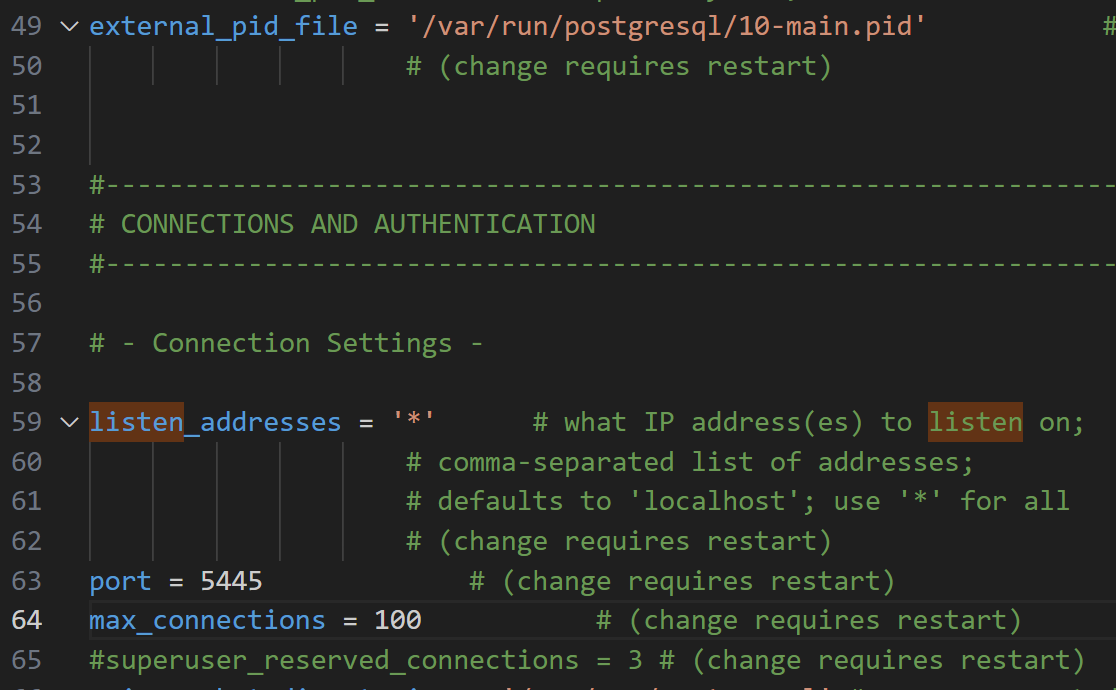
修改 postgresql.conf,取消注释
vim /etc/postgresql/10/main/postgresql.conf
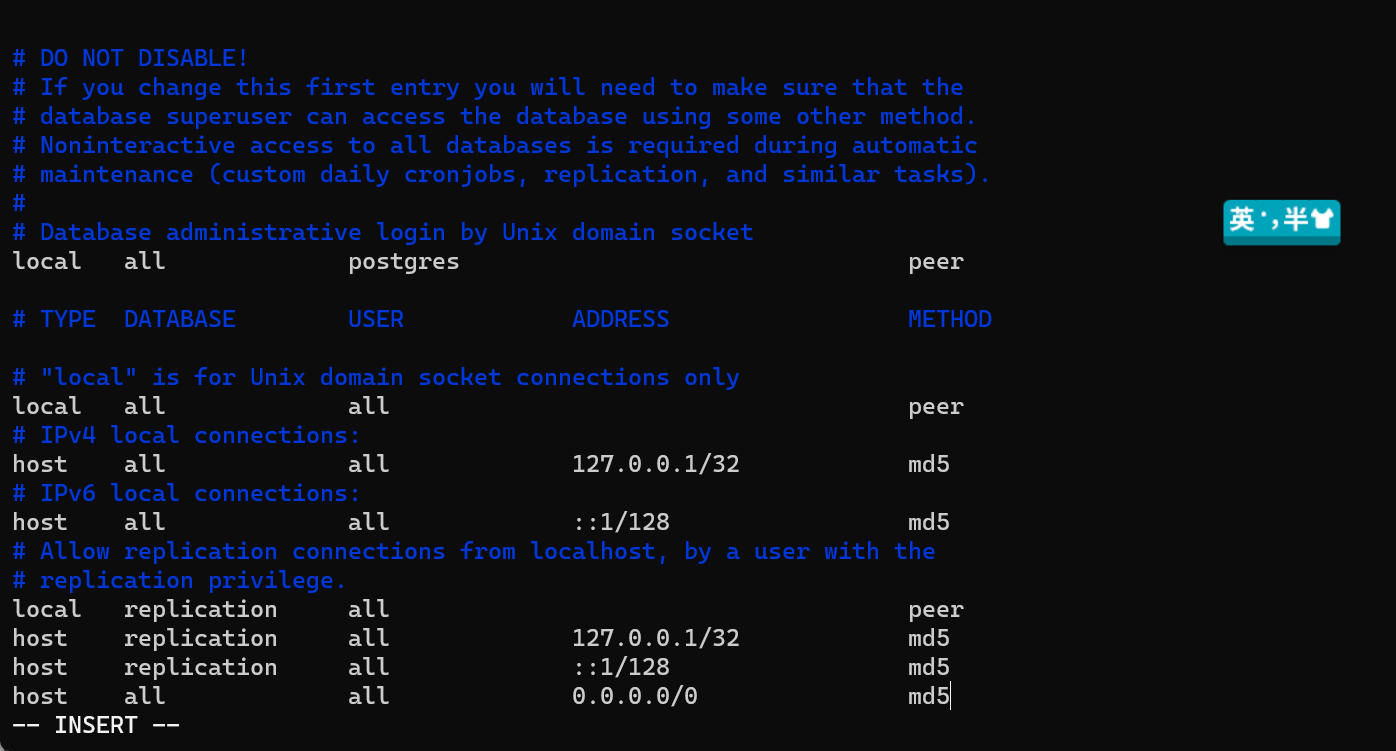
vim /etc/postgresql/10/main/pg_hba.conf
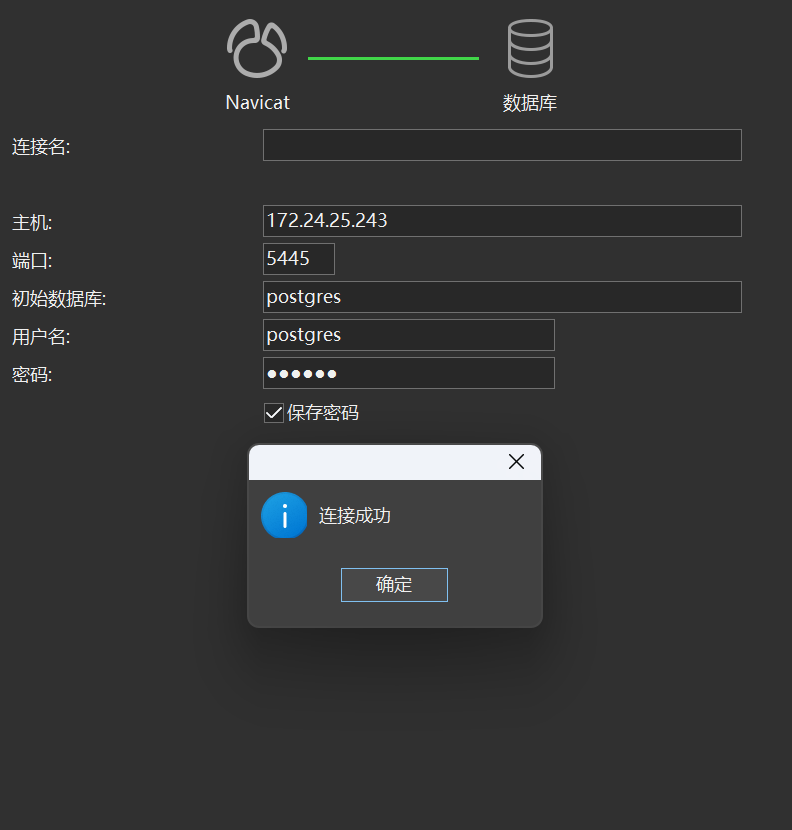
连接结果
QA
更改port
windows下查找postgresql.conf,修改port,重启服务
打开pgadmin需要再菜单栏,Object–>properties–>修改Connection中的port