WSL2(Ubuntu18)离线安装MySQL8.0.11
关闭本地MySQL,避免占用相同的3306端口,后续安装注意修改WSL2的端口
下载对应版本,注意检查32/64
其中Ubuntu18不支持最新的8.0.33
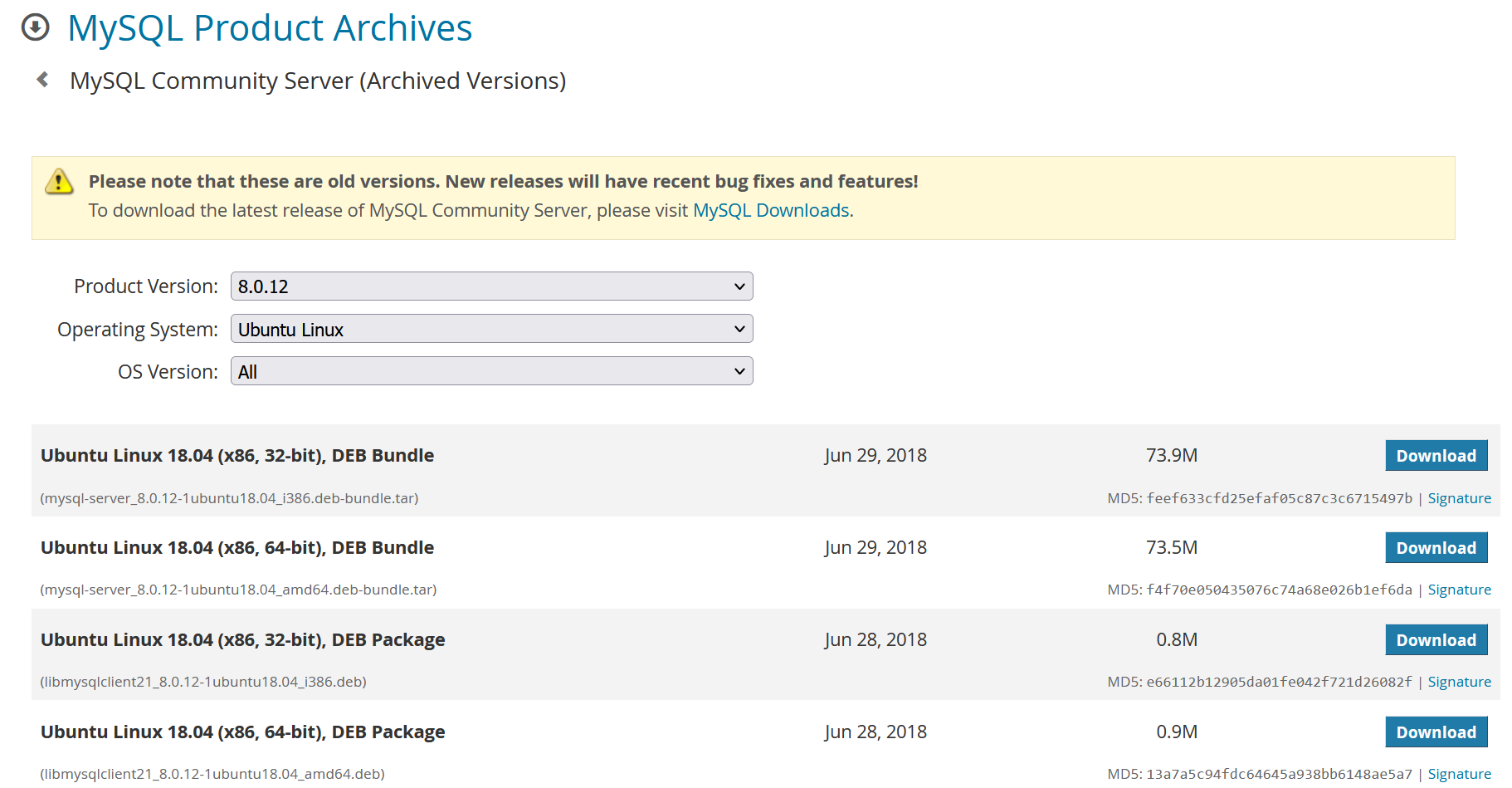
复制下载链接
wget https://downloads.mysql.com/archives/get/p/23/file/mysql-server_8.0.12-1ubuntu18.04_amd64.deb-bundle.tar
解压缩
tar -xvf mysql-server_8.0.12-1ubuntu18.04_amd64.deb-bundle.tar
顺序安装
mysql-common_8.0.12-1ubuntu18.04_amd64.deb
mysql-community-client-plugins_8.0.12-1ubuntu18.04_amd64.deb
libmysqlclient21_8.0.12-1ubuntu18.04_amd64.deb
libmysqlclient-dev_8.0.12-1ubuntu18.04_amd64.deb
mysql-community-client-core_8.0.12-1ubuntu18.04_amd64.deb
mysql-community-client-core_8.0.12-1ubuntu18.04_amd64.deb
mysql-community-client_8.0.12-1ubuntu18.04_amd64.deb
mysql-client_8.0.12-1ubuntu18.04_amd64.deb
mysql-community-server_8.0.12-1ubuntu18.04_amd64.deb
问题解决
安装过程会输入两次密码,然后提示选择加密方式,请选择第二个5.7.X
缺少依赖:libaio1、libmecab2
apt-get install libaio1 出现
Reading package lists… Done Building dependency tree
Reading state information… Done You might want to run ‘apt –fix-broken install’ to correct these. The following packages have unmet dependencies: mysql-community-server : Depends: mysql-client (= 8.0.11-1ubuntu18.04) but it is not going to be installed Depends: libmecab2 but it is not going to be installed mysql-community-server-core : Depends: libmecab2 but it is not going to be installed Recommends: mecab-ipadic-utf8 but it is not going to be installed E: Unmet dependencies. Try ‘apt –fix-broken install’ with no packages (or specify a solution).
apt –fix-broken install
进入mysql
mysql -uroot -p
ERROR 2002 (HY000): Can’t connect to local MySQL server through socket ‘/var/run/mysqld/mysqld.sock’ (2)
查看mysql状态应该是未运行
service mysql status
MySQL Community Server 8.0.11 is not running
启动mysql
sudo service mysql start

No directory, logging in with HOME=/mkdir: cannot create directory ‘//.cache’: Permission denied

/etc/profile.d/wsl-integration.sh: line 19: //.cache/wslu/integration: No such file or directory
重启mysql
sudo service mysql stop
sudo usermod -d /var/lib/mysql/ mysql
sudo service mysql start
成功进入
mysql -uroot -p
授权远程访问
sudo service mysql stop
切到 /etc/mysql/my.cnf/mysql.conf.d路径下 打开 mysqld.cnf 文件(默认配置文件) 修改如下
port           =3308
bind-address   =0.0.0.0
进入数据库
sudo service mysql start

mysql> use mysql;
mysql> GRANT ALL PRIVILEGES ON *.* TO 'root'@'%' WITH GRANT OPTION;
mysql> FLUSH PRIVILEGES;
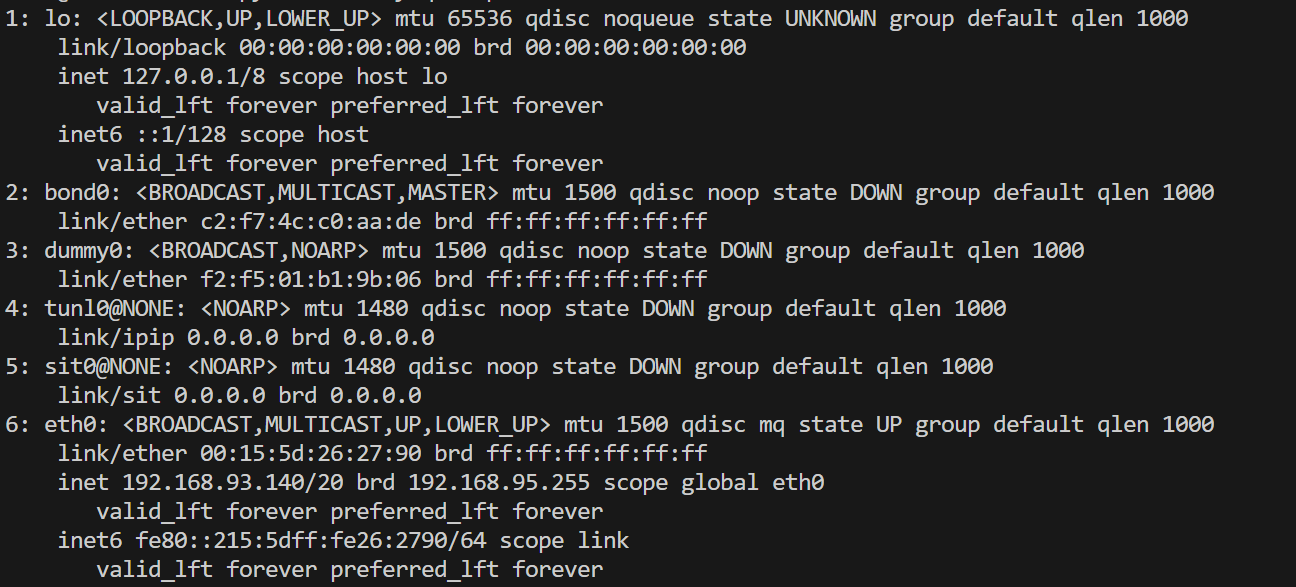
查看ip地址,eth0就是,如图为192.168.93.140
ip addr
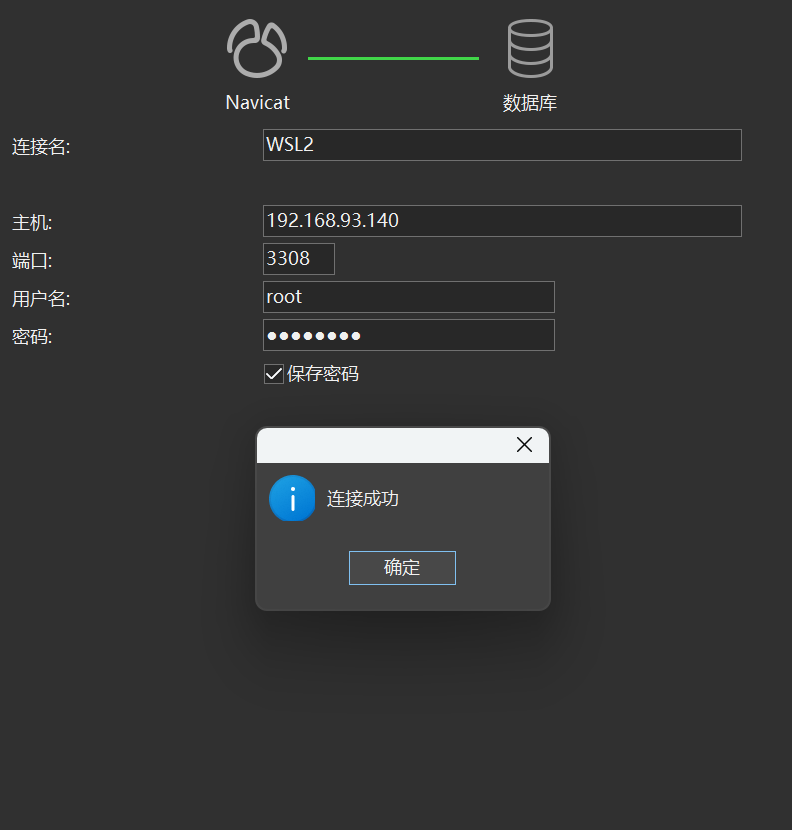
navicat